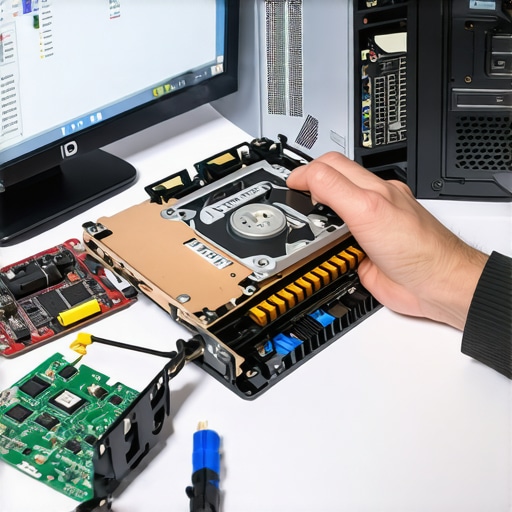
Have you ever stared at your frozen screen or lost important files and felt that sinking dread in your stomach? I sure have. Early in my tech journey, I made a mistake I won’t forget—thinking that a simple restart would fix everything. Instead, I lost days of work and a lot of hair. That lightbulb moment taught me that knowing effective data recovery and repair techniques isn’t just helpful; it’s essential in today’s digital world.
Why Mastering Data Recovery and Repair Matters Now More Than Ever
In 2024, our reliance on computers is deeper than ever. From business documents to personal memories, we store a staggering amount of critical information on our devices. Yet, hardware failures, accidental deletions, or malware attacks can strike anytime. When they do, the difference between a quick recovery and a total loss hinges on your knowledge and preparedness. Recent reports show that 70% of small businesses suffer data loss at some point, and many don’t have a solid recovery plan—making them vulnerable to disasters that could be prevented with a few right moves. Learn more about why data recovery strategies are crucial for your business.
If you’ve faced a situation where your PC suddenly crashed or your files vanished without warning, you know the panic that can set in. But here’s the truth—most data loss isn’t a catastrophe. It’s a problem with a solution. And I can guide you through proven techniques that work in 2024, saving you time, money, and frustration.
Is Data Recovery Tech Really Reliable or Just Hype?
I used to think that data recovery tools were a gamble—sometimes they worked, sometimes they didn’t. I learned the hard way that rushing into recovery without understanding the right methods can cause irreparable damage. Early on, I tried a cheap software, and it made things worse. Now, I know the importance of trusted, professional strategies—like those discussed here. The key is to stop using a device immediately after data loss and to follow tested procedures. Trust me, the right approach can make all the difference.
So, if you’re tired of losing sleep over that critical file or fearing your next hardware hiccup, you’re in the right place. Over the next sections, I’ll share practical, no-nonsense tips tailored for 2024, so you can tackle data recovery and hardware repair confidently.
Secure Your Data by Creating Backups Regularly
The first step I took when I faced data loss was to set up automatic backups. Think of it like a safety net—if your main data falls, the backup catches you. Use trusted cloud services or external drives, and schedule backups weekly. When my hard drive crashed unexpectedly, having a recent backup saved me hours of recovery work. For more tips on managing backups effectively, visit these strategies.
Identify the Cause of Hardware Failures
Understanding why your device failed is crucial. Open your laptop carefully—use a screwdriver set designed for electronics—and check for obvious issues like swollen batteries or loose cables. For example, I once replaced a laptop screen where the root cause was a faulty connector. Recognize the signs early, such as strange noises or screen flickering, to prevent further damage. For detailed guidance, see top repair tips.
Use Trusted Data Recovery Tools
When files are deleted or corrupted, avoid rushing into software solutions blindly. I learned to research and pick reputable recovery tools like Stellar Data Recovery or EaseUS Data Recovery Wizard. During my first attempt, I used a free tool that corrupted my files further. Always run recovery software from a bootable USB to prevent overwriting data. Remember, the goal is to minimize further damage—think of it like extracting a splinter without making it worse. For more advanced options, check these techniques.
Seek Professional Help When Needed
If your data or hardware issues are complex, don’t hesitate to contact professionals. I once tried repairing a failing hard drive myself but ended up worsening the problem. A professional technician used specialized tools to recover my critical files safely. For business data or complex repairs, consider managed IT services like these solutions. Remember, sometimes quick fixes can lead to long-term losses—trust experts for critical issues.
Maintain Your Hardware for Longevity
Regular cleaning and updates extend your device’s lifespan. Dust out vents with compressed air, keep firmware and drivers current, and avoid eating over your keyboard—spilled liquids can cause catastrophic damage. I once cleaned my laptop’s cooling system, which drastically improved performance and prevented overheating. For detailed cleaning tips, see troubleshooting tips. Consistent maintenance saves money and time in repair emergencies.
Many people believe that data recovery is a straightforward process, but the reality is far more complex. One of the most persistent myths is that any recovery software can salvage your files after accidental deletion or hardware failure. In my experience, relying solely on generic tools without understanding the underlying causes can lead to irreparable damage. For example, using free recovery programs on a failing drive can overwrite critical data, making professional recovery impossible. It’s essential to recognize that not all data loss situations are equal, and applying the wrong approach can do more harm than good. For nuanced cases involving physical damage or advanced malware, specialized techniques or professional intervention are often required. To avoid falling into this trap, educate yourself about the specifics of your issue and use trusted resources like these proven recovery strategies.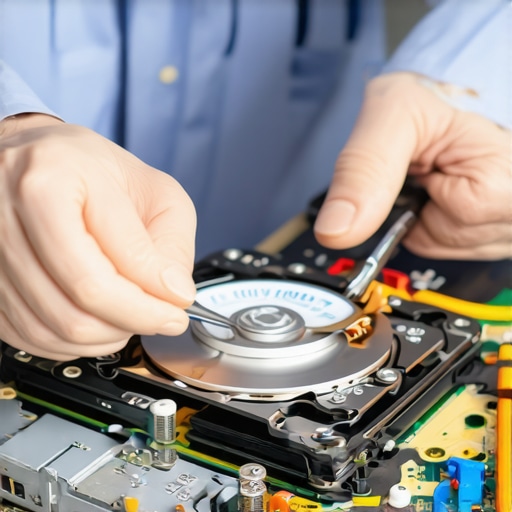
Investing in Reliable Equipment for Long-Term Results
Maintaining your computer’s health over time requires not only knowledge but also the right tools. Personally, I swear by a high-quality Phillips and Torx screwdriver set, like the Wiha Precision Screwdriver Kit. These tools are essential for safe, precise hardware repairs without risking further damage. Investing in an anti-static wrist strap is equally important to prevent electrostatic discharge that can fry sensitive components, especially when working inside laptops or desktops. Learn more about managed IT strategies that emphasize the importance of proper tools for durable repairs.
Utilizing Software Solutions for Effective Maintenance
Beyond hardware tools, software plays a crucial role in keeping systems running smoothly. I recommend using CrystalDiskInfo for monitoring SSDs and HDDs health. It provides real-time SMART data, alerting you to impending failures before they happen. For system cleaning and optimization, I favor CCleaner because it’s lightweight and effective at removing temporary files that clutter your system. Regularly scheduling disk checks with built-in tools like chkdsk also helps identify underlying issues early. These practices not only extend hardware lifespan but also maintain optimal performance over years.
Predicting Future Trends in Data Recovery and Hardware Maintenance
Looking ahead, I believe automation and AI will become integral to long-term hardware health management. Smart diagnostic tools that predict failures based on usage patterns will become more accessible, allowing proactive maintenance. Additionally, cloud-based monitoring will enable remote diagnostics, reducing downtime and repair costs. Staying ahead means embracing these innovations now, integrating them into your routine to safeguard your data and hardware effectively.
How do I maintain my tools and methods over time?
Consistent maintenance of your tools—like cleaning your screwdriver tips and updating your software—ensures they perform reliably. Periodically check your hardware tools for wear and replace any worn-out parts, such as screwdriver tips or anti-static straps. Keep your software updated to benefit from the latest features and security patches. Practicing routine checks on your backup systems and health monitoring tools will help detect issues early, saving you time and money in the long run. For comprehensive strategies, consider consulting these managed IT solutions that emphasize ongoing maintenance.
Remember, the key to long-term success is not just having the right tools but also caring for them and updating your methods as technology evolves. Try implementing a quarterly hardware check and software audit to stay ahead of potential problems. Your future self will thank you for the proactive approach!
The Hardest Lesson I Learned About Data Recovery
One of my biggest mistakes was rushing into recovery without understanding that not all data loss situations are equal. I once used a generic recovery tool on a failing drive, and it overwrote critical data, making recovery impossible. That taught me the importance of researching tools and knowing when to seek professional help.
3 Myths About Hardware Repair That Held Me Back
I believed that hardware issues could always be fixed with a simple DIY approach. However, I learned that complicated failures often require specialized tools and expertise. Recognizing my limits and consulting professionals saved me time and prevented further damage.
What Experts Won’t Tell You About Data Backup
Many overlook the importance of regular backups, thinking one copy is enough. I discovered that automated, off-site backups are essential for disaster recovery, especially in the age of ransomware and hardware failures. Consistent backups are your ultimate safety net.
My Essential Toolkit for Data Recovery and Hardware Repair
- Stellar Data Recovery: Trusted for its reliability and effectiveness in recovering critical files.
- Wiha Precision Screwdriver Kit: My go-to for safe and precise hardware repairs.
- CrystalDiskInfo: Keeps my SSDs and HDDs health monitored proactively.
- Anti-static wrist strap: Protects sensitive components during repairs.
Your Turn to Try
Now that you have these insider tips and tools, it’s your opportunity to take control of your data and hardware health. Don’t wait for a disaster—start implementing these strategies today and safeguard your digital world.
Have you ever struggled with a hardware failure or data loss? Share your experience below, and let’s learn together!
Reading through this article really resonated with my own experiences with data loss. Like many, I once lost dozens of important files because I didn’t have a proper backup system in place. Since then, I’ve become a lot more proactive, especially with automated backups to cloud storage—something I highly recommend. One thing I’ve found effective, especially for small businesses, is scheduling regular maintenance and health checks using SMART monitoring software, which helps catch early signs of drive failure. It’s interesting how simple tools, when used consistently, can save so much trouble later. I also think that as technology advances, integrating AI-powered diagnostics will become a game-changer in predicting failures before they happen. What are others doing to keep their hardware in top shape and prevent data disasters? Would love to hear your tips or experiences with maintenance routines!