

I was crouched under a dusty mahogany desk at a high-end law firm, just trying to figure out why a printer wouldn’t connect. It was 6:00 PM, the office was quiet, and I was in a rush to get home. As I reached for the USB hub, my fingers brushed against something… extra. It wasn’t just a cable. It was a small, plastic nub sitting right between the keyboard connector and the port. My stomach did a slow roll. I realized right then that all the fancy firewalls and managed IT strategies to keep your business secure in 2025 wouldn’t have done a lick of good if that little device stayed plugged in. It was a hardware keylogger, and it had been sitting there, silently recording every password and private email for weeks. We often think of hackers as hooded figures in dark rooms, but sometimes they’re just someone who walked in with a $20 gadget and three seconds of privacy. Today, I’m going to show you exactly what to look for so you don’t have to experience that same sinking feeling. We are going to look past the screen and start examining the actual physical connections that keep your office running. [image placeholder]
Stop Trusting Your Antivirus to See Physical Threats
In my early days of doing computer repair for beginners, I made a massive tactical error. I assumed that if the software didn’t scream, everything was fine. I’d run a scan, see a green checkmark, and walk away. But here is the cold, hard truth: hardware keyloggers are often invisible to almost every antivirus on the market. They don’t install files. They don’t show up as a suspicious process in your task manager. They just sit in the middle of the data stream like a digital wiretap. According to reports from the FBI’s Cyber Division, physical access remains one of the most effective ways for bad actors to bypass even the most sophisticated encryption. If someone can touch your hardware, they effectively own your data. This is why properly decommissioning old office PCs is so vital—you never know what might be left behind or plugged into a port you haven’t checked in years.
Is checking the back of your PC actually worth the paranoia?
You might be thinking, “Who would target me?” or “Our office has a locked door, we’re fine.” Trust me, I’ve heard it all. But “paranoia” is just another word for being thorough in this business. Think about how many people have access to your workspace: cleaning crews, delivery drivers, or “technicians” who look official but nobody actually vetted. It only takes a second to plug a logger into a workstation. Have you ever actually looked at the back of your tower since the day it was installed? Most of us haven’t. We just plug things in and forget they exist. But that “set it and forget it” mentality is exactly what people with bad intentions count on. It’s time to start making moves that prevent unauthorized devices from joining your network, starting with a simple physical audit. Have you ever found a mysterious USB drive or a weird dongle plugged into your computer that you couldn’t account for?
Master the Physical Audit of Your Workstations
I remember one specific Tuesday morning when a client called because their business computer was getting slower every Monday morning. After checking the software and finding nothing, I crawled under the desk and found a USB Rubber Ducky—a device that looks like a standard thumb drive but acts like a high-speed keyboard to inject malicious scripts into the OS. It was a messy discovery that required a full system wipe, but it taught me that a visual inspection is your first line of defense. If you aren’t looking at the hardware, you’re missing half the battle.
Trace Every Wire Back to its Source
The most effective method for securing your workspace is what I call the Physical Handshake. You physically touch the cable at the mouse or keyboard and follow it with your fingers all the way to the USB port on the computer. If your hand hits anything between the cable connector and the port—like a small plastic adapter or a cylinder you don’t recognize—you’ve found a potential hardware keylogger. This is much simpler than troubleshooting common computer repair issues effectively because it relies on tactile feedback rather than complex code. Think of it like checking your car tires before a road trip; you don’t need to be a mechanic to see a nail sticking out of the rubber. 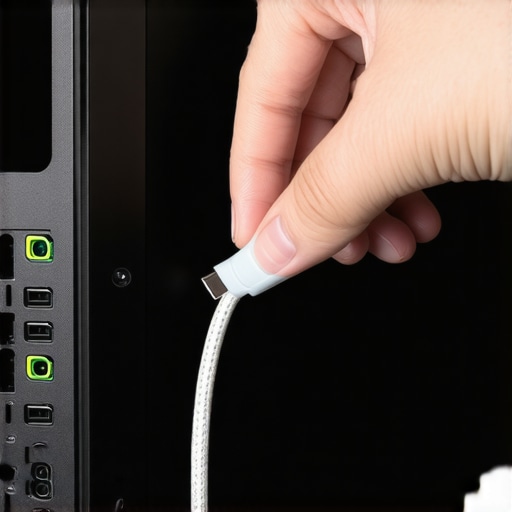
Stop the Threat Before the Plug Goes In
Beyond just looking, you need to implement the move that prevents employees from using infected USB sticks. This involves using administrative tools or BIOS settings to whitelist specific hardware IDs. If a device isn’t on the approved list, the computer simply ignores the connection. It is like having a bouncer at an exclusive club; if the USB drive isn’t on the guest list, it is not getting past the velvet rope. This prevents a shadow device from ever communicating with your operating system, even if a staff member accidentally plugs in a lost drive they found in the lobby.
Demand Better Oversight from Your Tech Team
If you aren’t the one doing the crawling, someone else better be doing it for you. This is exactly why your managed IT service should be providing quarterly security audits that include a physical component. Most remote-only IT firms will never see a hardware keylogger because it doesn’t trigger a suspicious process in your task manager. You need a team that values the boots on the ground approach to how managed IT can elevate your business security in 2025. They should be looking for unauthorized hardware just as often as they look for outdated software.
Secure the Data Even After a Breach
If you do find a device, don’t just rip it out and format the drive immediately. You might need data recovery secrets every business should know today to see exactly what was accessed or corrupted during the time the device was active. Sometimes, these gadgets do more than just record; they can actively corrupt files or create backdoors to hide their presence long after the physical device is gone. Knowing how to handle the digital aftermath is just as critical as finding the physical tap.
Let’s dig deeper because there is a massive misconception in the industry that ‘managed’ always means ‘physically handled.’ Most business owners think that as long as they pay for managed IT solutions, they are protected from every possible angle. But here is the expert nuance: the vast majority of managed services are purely remote. If your provider never sets foot in your office, they are completely blind to the physical state of your workstations. This is exactly why I argue that managed IT strategies to keep your business secure in 2025 must include a ‘boots on the ground’ component. A study by the Ponemon Institute found that the average cost of a breach involving physical hardware access is significantly higher than purely digital attacks because the attacker usually gains administrative privileges the second they plug in. Have you ever fallen into this trap of assuming remote software is a total shield? Let me know in the comments.
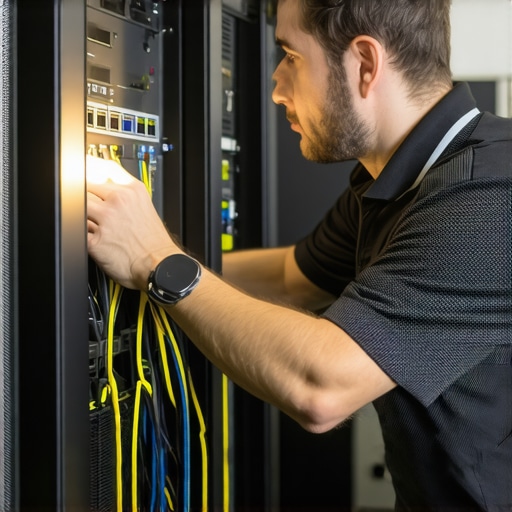
Can your remote-only IT guy actually spot a physical tap?
The short answer is no. If someone walks into your server room and plugs a rogue device into your switch, your remote dashboard might show everything is ‘green’ because the network traffic itself looks legitimate. This is a common advanced mistake: relying on software pings to verify hardware integrity. I have seen cases where a cheap power supply was causing intermittent reboots that the remote team blamed on Windows updates, only for a physical inspection to reveal the unit was literally melting. This is why your managed IT service should be providing quarterly security audits that involve a technician actually looking behind the desks and inside the racks.
Stop Killing Your Drive With Recovery Software
In my experience, the biggest ‘oops’ factor in this business happens during a crisis. When a hard drive starts making a clicking or grinding sound, the natural instinct is to download a tool and try to fix it. This is the danger of using free file recovery tools on a failing mechanical drive. If the failure is physical, every second that drive is spinning, the read/write head is potentially scraping the magnetic coating off the platters. You are literally turning your data into dust. Before you touch a single software tool, you need to understand the data recovery secrets every business should know today—the most important one being: if it’s making noise, turn it off immediately. The same logic applies to screens; people often assume a black display means the panel is toast, but knowing how to fix a laptop screen that is suddenly too dark to read can save you hundreds by identifying a simple failed inverter instead of replacing the whole unit.
My Favorite Hardware Tools for Deep Diagnostics
I don’t just walk into a job with a USB drive and a prayer. My toolkit is physical because the most dangerous problems aren’t virtual. I carry a specialized LED tester for backlight issues. It’s the only way to know for sure if you need a laptop screen replacement or if the motherboard’s display circuit is fried. Most people skip this and just buy a new screen, only to find the problem persists. Don’t be that person. I also use a hardware-level write-blocker whenever I’m dealing with the power of data recovery tools. This ensures that the OS doesn’t accidentally write a single bit to a failing drive, which is vital when you’re trying to pull critical data from a hard drive that makes a scratching sound. Relying purely on software tools during a physical failure is how you lose data permanently.
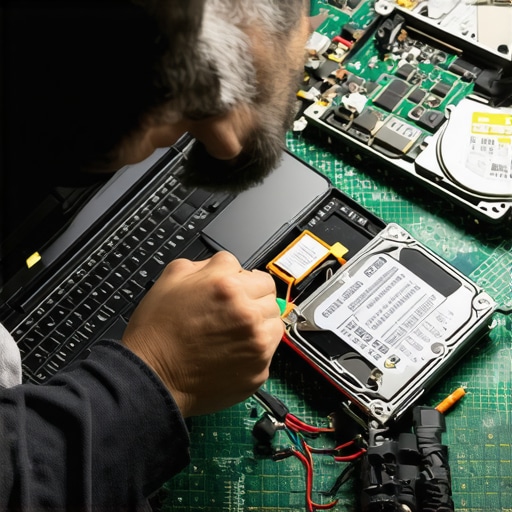
When I’m scaling a setup for a client, I focus on the hardware that lasts. I’ve seen too many businesses crumble because they chose the hardware part you should never buy used for your business—the power supply. A bad PSU won’t just fail; it can send a surge that kills the motherboard, the CPU, and your storage. It is the heart of the system, and you don’t want a weak heart when you are implementing managed IT strategies to keep your business secure in 2025. I personally use an oscilloscope to check for voltage spikes in office environments with ‘dirty’ power before I even recommend a server install. Furthermore, long-term results in IT aren’t about the newest tech; they’re about consistency. I’ve found that why your business needs a local backup even if you use the cloud is the most important lesson for scaling. When a fiber line gets cut, your remote IT can’t help you, but a local server with a solid battery backup for the main switch keeps you billable.
How do I maintain my office hardware health over time?
The secret isn’t a ‘magic’ cleanup software. It’s a combination of managed IT solutions streamlining operations and a strict quarterly ‘dust-and-inspect’ ritual. I tell my clients that if they aren’t blowing out their fans every three months, they are basically inviting thermal throttling to slow down their work. Heat is the number one killer of silicon. You should also be looking for the ‘SMART’ warning signs. According to the Backblaze Hard Drive Stats report—a gold standard in the industry—drives that show even a single raw error in specific SMART attributes are significantly more likely to fail within 60 days. This is why ignoring that SMART status bad warning is the tech equivalent of ignoring a ‘check engine’ light while driving 80 mph. You need a disaster recovery plan before the storm hits, not after the drive has turned into a paperweight.
Looking ahead, I see a shift where managed IT can elevate your business security through AI-integrated BIOS monitoring. We are moving toward a future where the motherboard itself will detect a hardware keylogger by measuring millivolt fluctuations in the USB bus and shut down the port before a single keystroke is transmitted. Until then, you are the final line of defense. Try this right now: Go into your BIOS settings and check if ‘USB Boot’ is disabled. If you aren’t actively installing an OS, that port should be locked down. It’s one of the best troubleshooting common computer repair issues preventative moves you can make today to stop unauthorized boots from live USB drives.
Hard-Won Truths From the Trenches of IT Repair
After years of crawling under desks and opening up fried motherboards, I’ve realized that the most dangerous threats aren’t usually in the cloud—they are right under your feet. One of the biggest eye-openers for me was discovering that most office ‘glitches’ are actually physical hardware failures disguised as software bugs. For example, why your business computer is getting slower every Monday morning often has more to do with heat dissipation or a failing mechanical drive than a background Windows update. Another lightbulb moment came when I stopped relying on software diagnostics alone. If you see the risk of ignoring that SMART status bad warning on your PC, don’t wait for the blue screen to appear. Physical components have a finite lifespan, and pretending they don’t is the fastest way to a massive data crisis. Finally, remember that security is a lifestyle, not just a subscription. You can’t simply pay a monthly fee and forget it. Even the best managed IT solutions streamlining operations for small businesses require a human being to occasionally look at the actual ports and cables.
Tools and Resources That Keep My Clients Running
I’m often asked what I use to stay ahead of these physical threats and hardware failures. Here are my non-negotiables: First, the **Backblaze Hard Drive Stats** report is my go-to for choosing reliable storage—it’s real-world data that tells you which brands actually survive. Second, I always keep a hardware write-blocker in my kit to prevent accidental data overwrites when performing data recovery secrets every business should know today. Lastly, I recommend keeping a high-lumen LED flashlight in your desk drawer. It sounds basic, but you can’t troubleshoot what you can’t see behind a dark server rack. These simple physical tools provide more clarity than a dozen remote dashboards ever could.
Start Your Physical Audit Before the Week Ends
Securing your business isn’t about becoming a tech genius overnight; it’s about being more observant than the person looking to exploit you. By combining smart software monitoring with a proactive physical ‘walk-around,’ you’re building a defense that the majority of other businesses completely lack. Don’t be intimidated by the wires—take ownership of them. Implementing sound managed IT strategies to keep your business secure in 2025 starts with that very first look behind your monitor to see what’s actually plugged in. Have you ever checked your computer’s USB ports and found a device or dongle you didn’t recognize?